-
 01
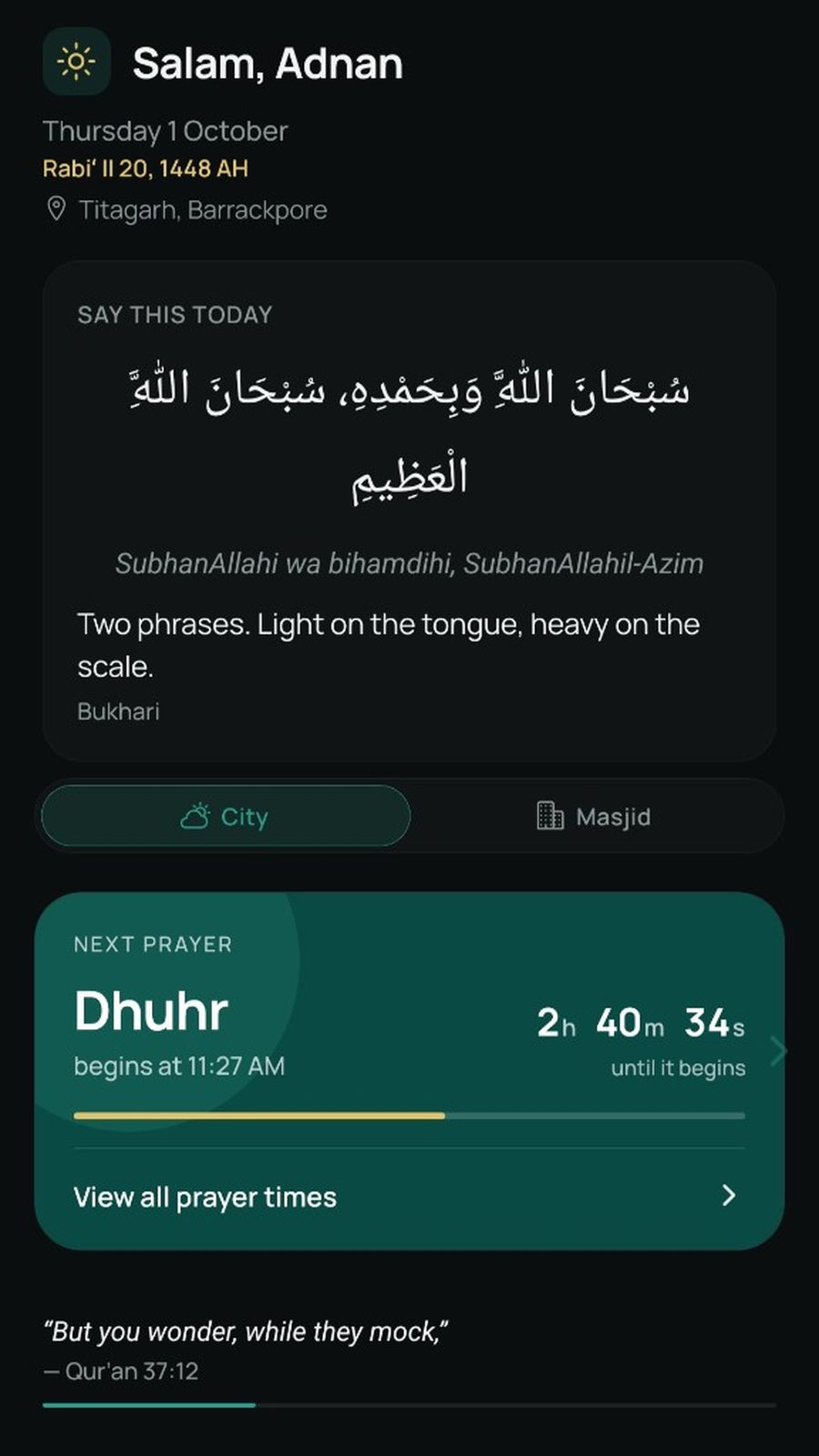
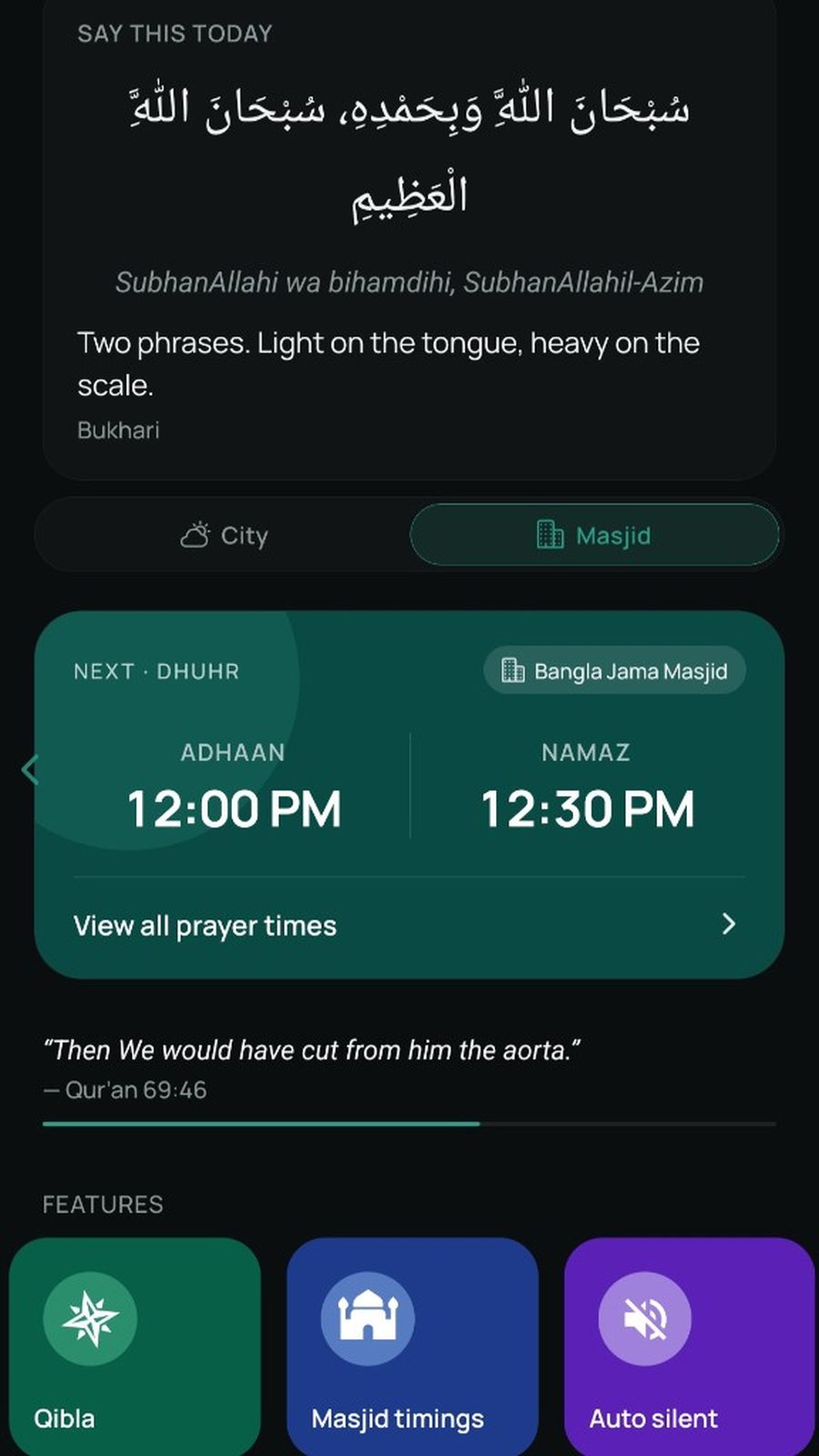
The day opens with a reminder
Home greets you by name, shows the Hijri date and your city, and
counts down to the next prayer. “Say this today” is a short
dhikr — Arabic, meaning, and source — so the morning starts with
something to carry.
-
 02
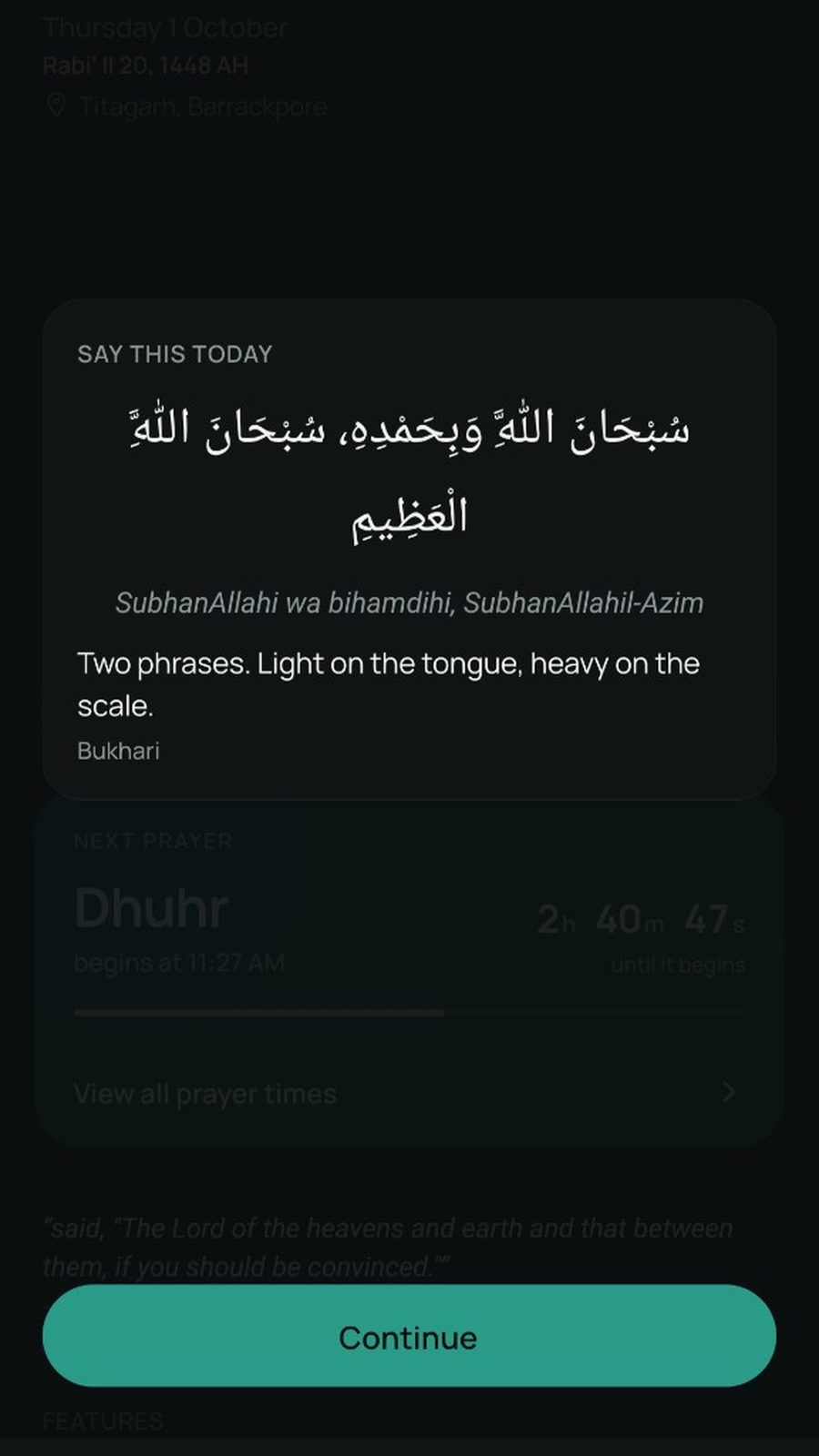
A line worth saying
The dhikr sits forward when it is time to notice it. Two
phrases, light on the tongue. You continue into the rest of the
day when you are ready.
-
 03
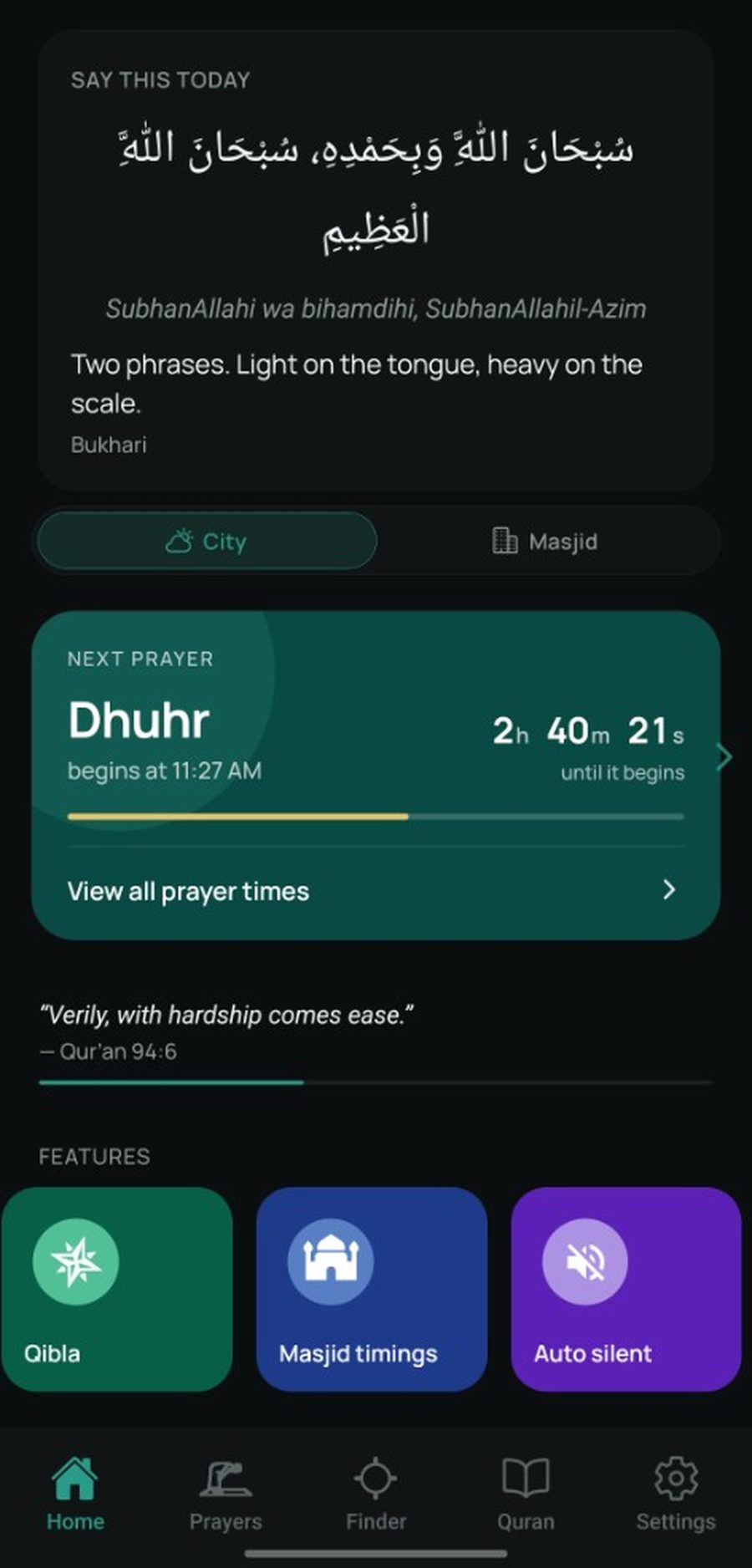
City time, then the tools beside it
Switch between city calculation and a masjid you follow. Under
that: Qibla, masjid timings, and auto silent — the three things
people open the app for.
-
 04
Adhaan and namaz, side by side
On the masjid view, the next prayer shows both calls. You can
see when the adhaan is, and when the congregation actually
stands. Swipe back to city time whenever you need it.
-
 05
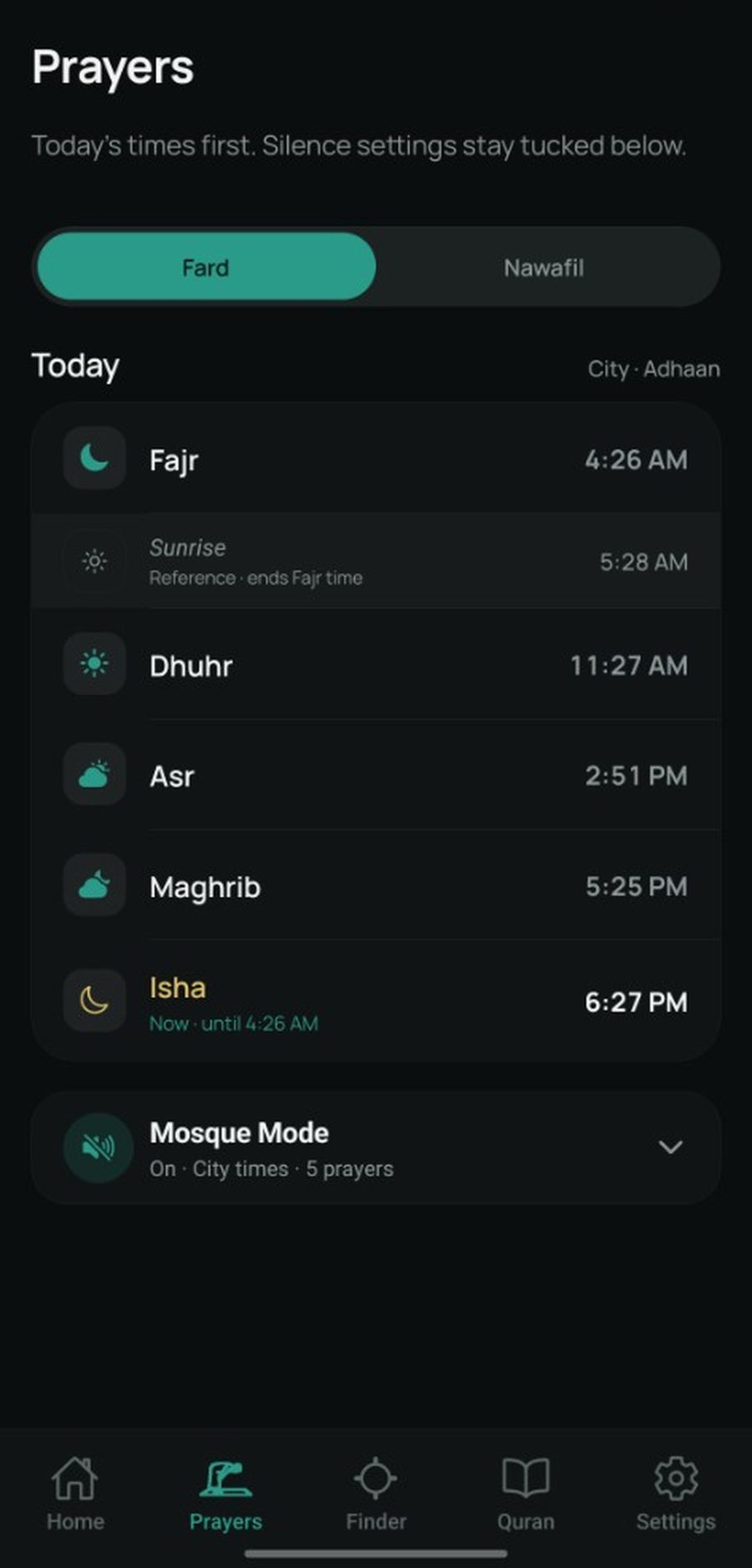
The whole day, in one list
Fajr through Isha, with sunrise marked so Fajr’s window is
clear. The current prayer is named. Mosque Mode sits under the
list, ready to be opened.
-
 06
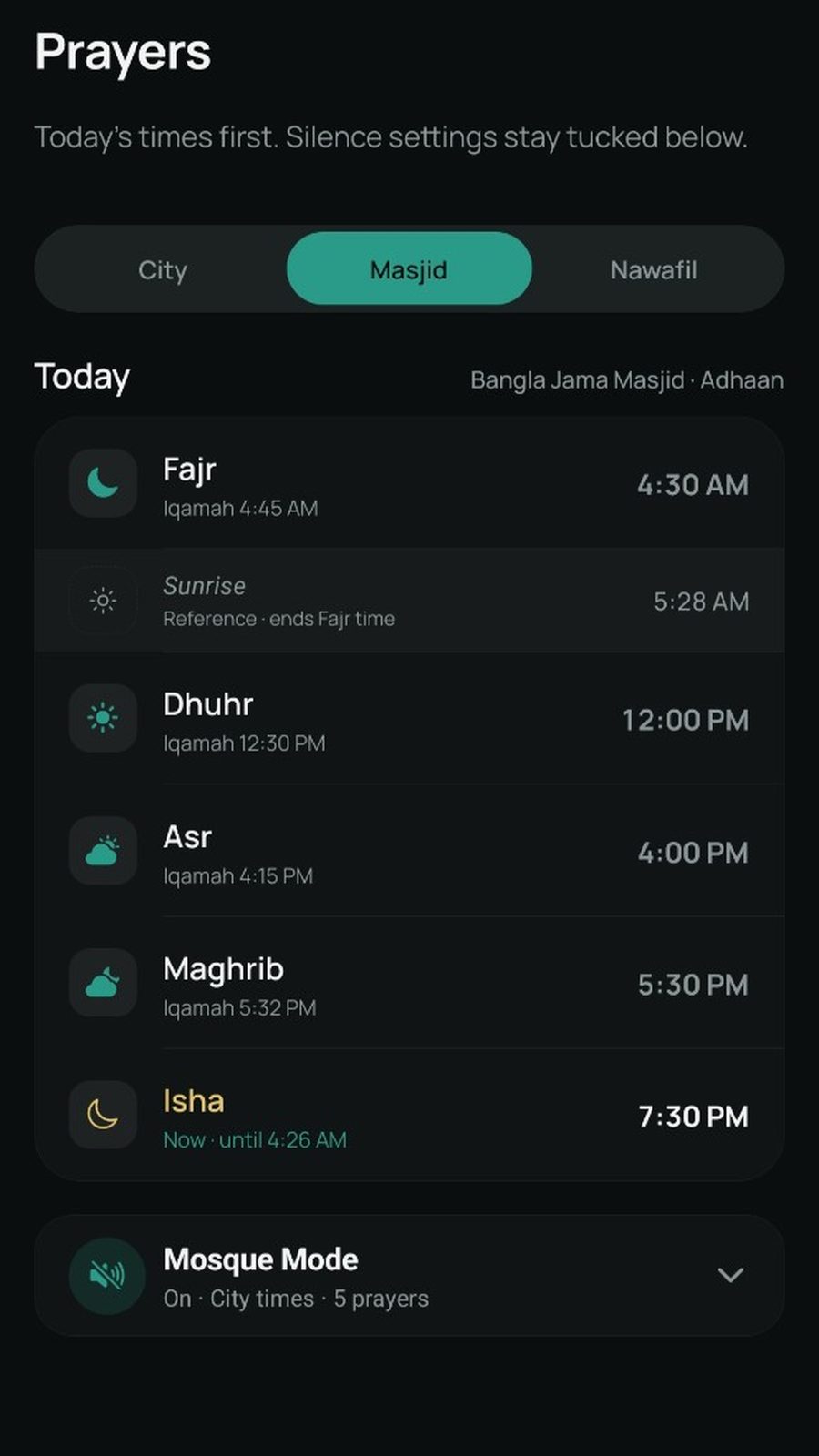
Or the masjid’s own clock
Follow Bangla Jama Masjid, or any masjid you saved. Iqamah sits
under each adhaan. The phone can quiet itself on those times
instead of the city calculation.
-
 07
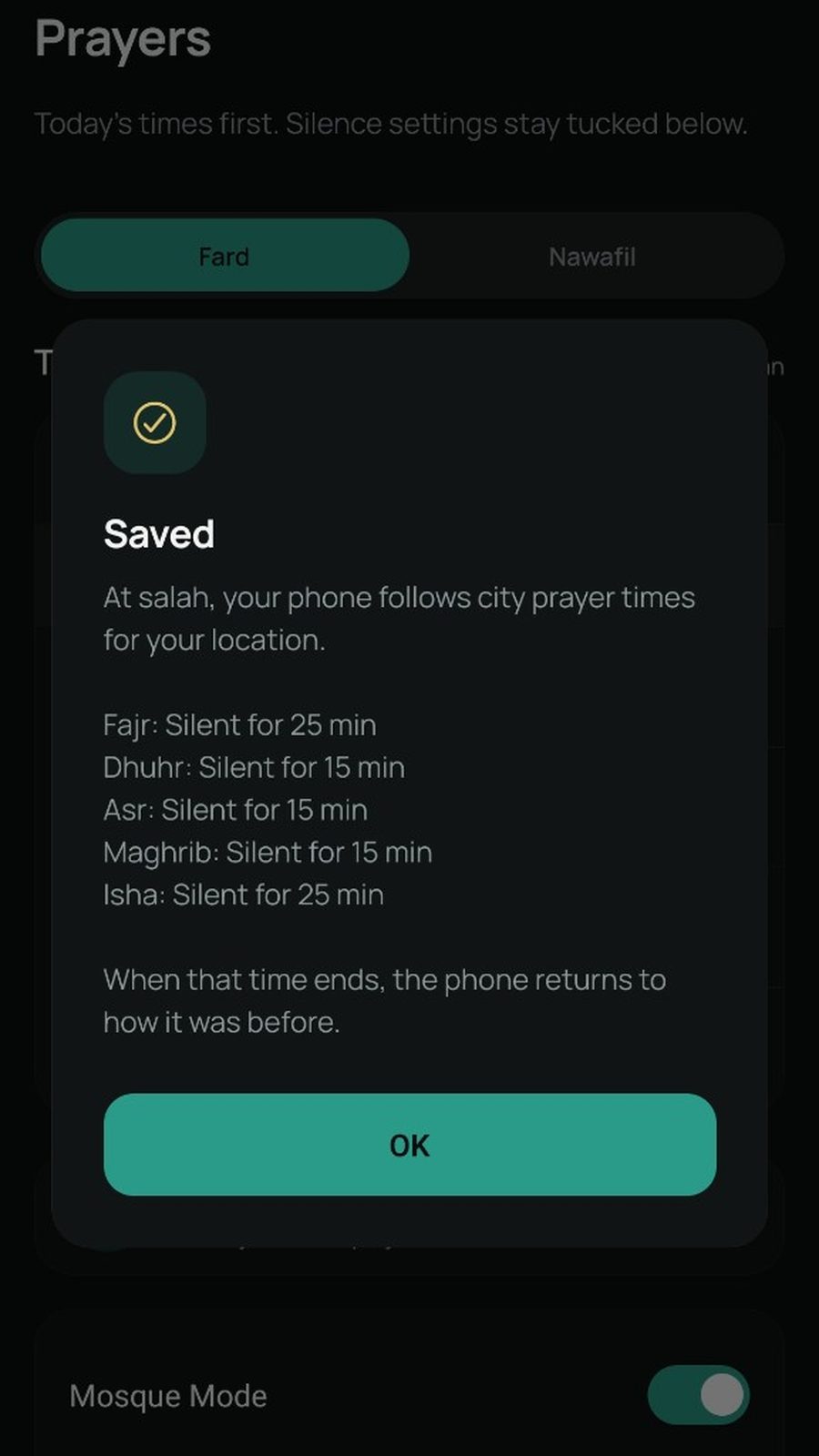
Silence only after you save it
Choose Silent, Vibrate, or Do Not Disturb, and how long it
lasts. Nothing changes until you tap Save. The app then tells
you exactly how the phone will behave, prayer by prayer, and
puts the ringer back when that time ends. Turn Mosque Mode off,
and the phone stays as you left it.
-
 08
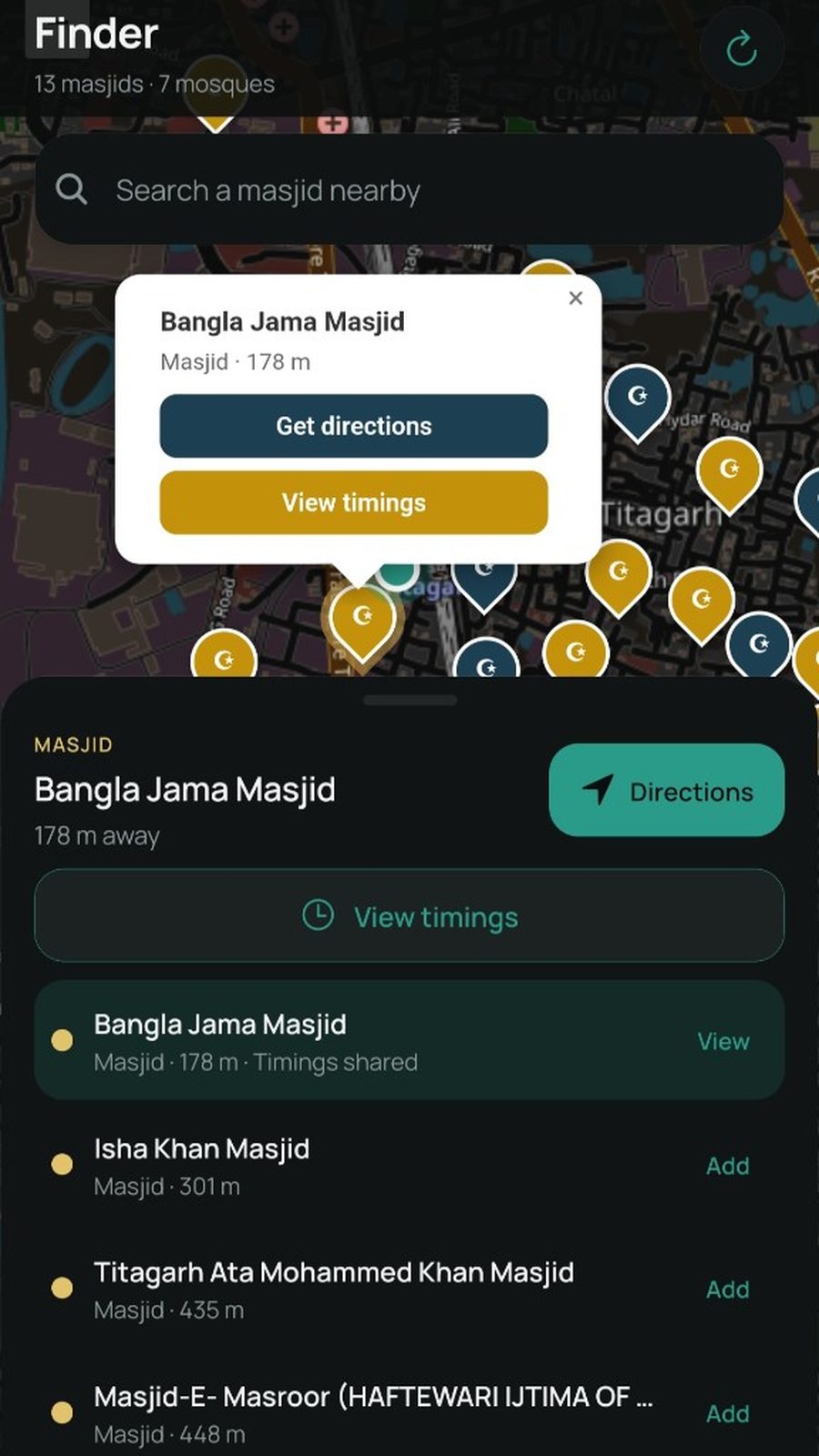
A new street, a known door
Finder maps masjids around you. Search by name, open a pin, and
see which ones already have timings shared by other people.
Directions open in your maps app.
-
 09
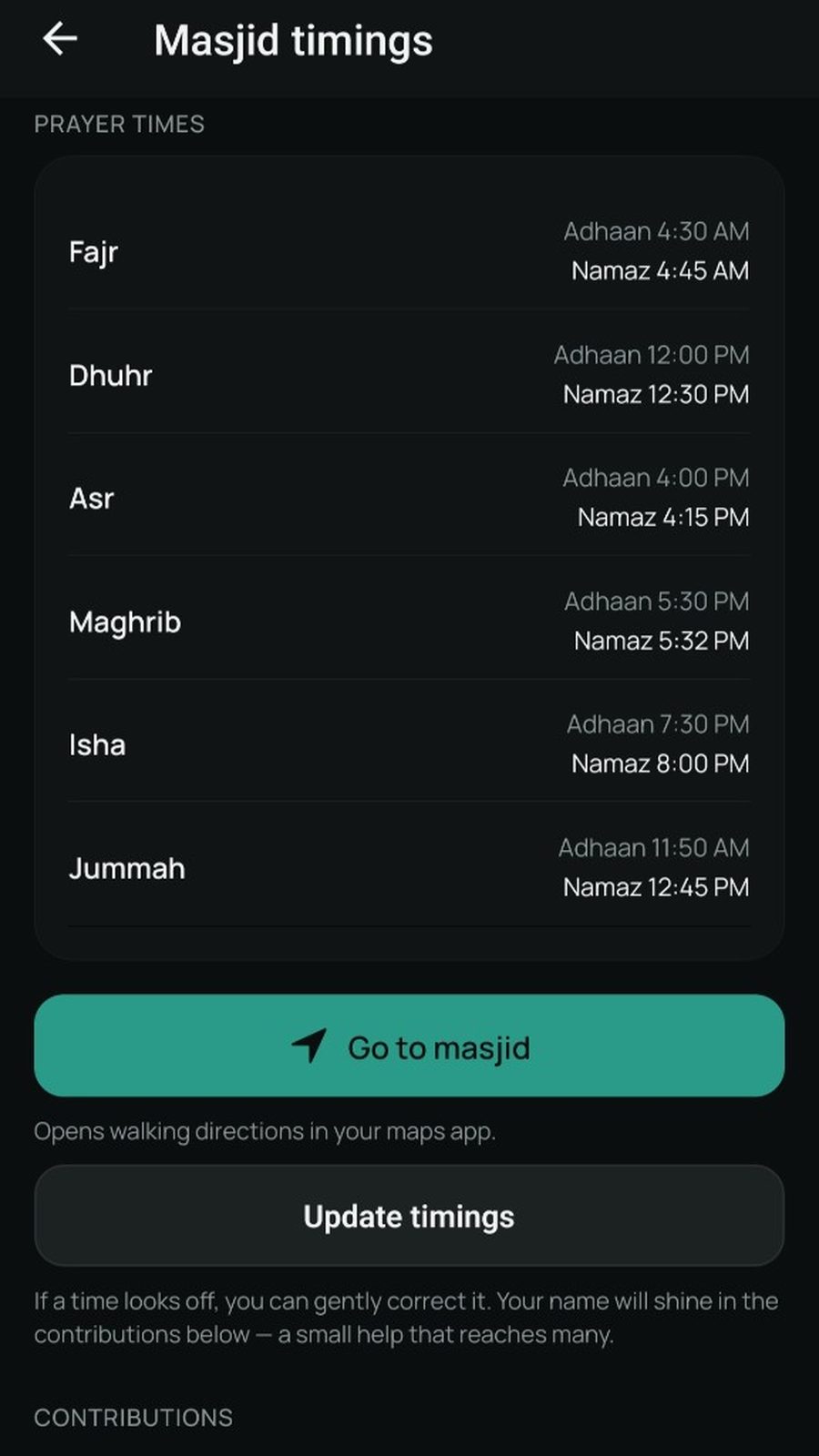
Times you can trust, and correct
Adhaan and namaz for every prayer, including Jumu’ah. If a time
looks off, update it. Your name sits with the contribution, so
others know who shared it.
-
 10
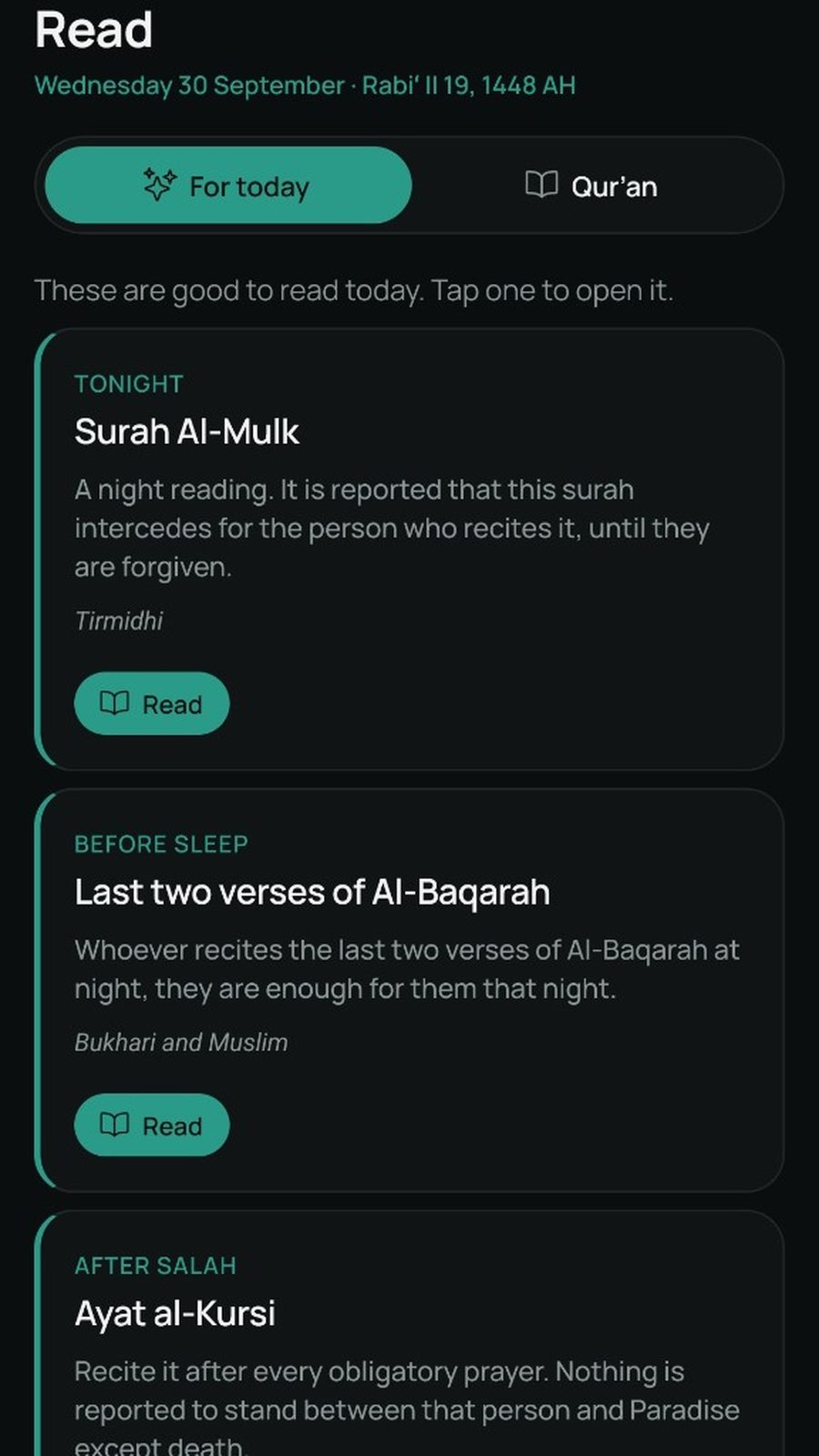
Something to read when salah is done
For today suggests a short reading — tonight, before sleep,
after salah. Swipe to the Qur’an when you want the text itself.
Smart Search, on Home, finds surahs by the names people use —
Ayatul Kursi, Surah Yaseen, 2:255 — along with duas and hadith,
each shown with its source. The Arabic reads in IndoPak script,
at the size you choose. The app is a companion for the whole
day, not only the minute the phone goes quiet.
 Mosque Mode
Google Play
Open the app